ScorbitVision
ScorbitVision lets you display live scores, leaderboards, tournament standings, and more on any TV or browser. It is the easiest way to put Scorbit content on the screens around your game room, arcade, or bar — and into your live streams.
ScorbitVision is accessed through Scorbit Console. Select a venue, then choose the ScorbitVision tab to open the dashboard for that venue.
How It Works
ScorbitVision is built around two ideas:
- A Screen is a single display — a TV in your game room, a browser tab on a monitor, or a window in your streaming software. Each screen has its own shareable URL.
- A Playlist is the ordered list of content a screen rotates through. Each item is one view — a leaderboard, a scoreboard, an image, and so on — shown for a set number of seconds before advancing to the next.
You build everything from the ScorbitVision Dashboard: create a screen, add items to its playlist, and the screen plays them in sequence. Start there if you are new to ScorbitVision.
In This Section
- Dashboard — the home base for ScorbitVision: managing screens, building playlists, and previewing your displays. Read this first.
Content Types
The following items can be added to a screen's playlist:
- Scoreboards — live, in-progress scores for a single machine.
- Leaderboards — top scores for a machine, game, or variant.
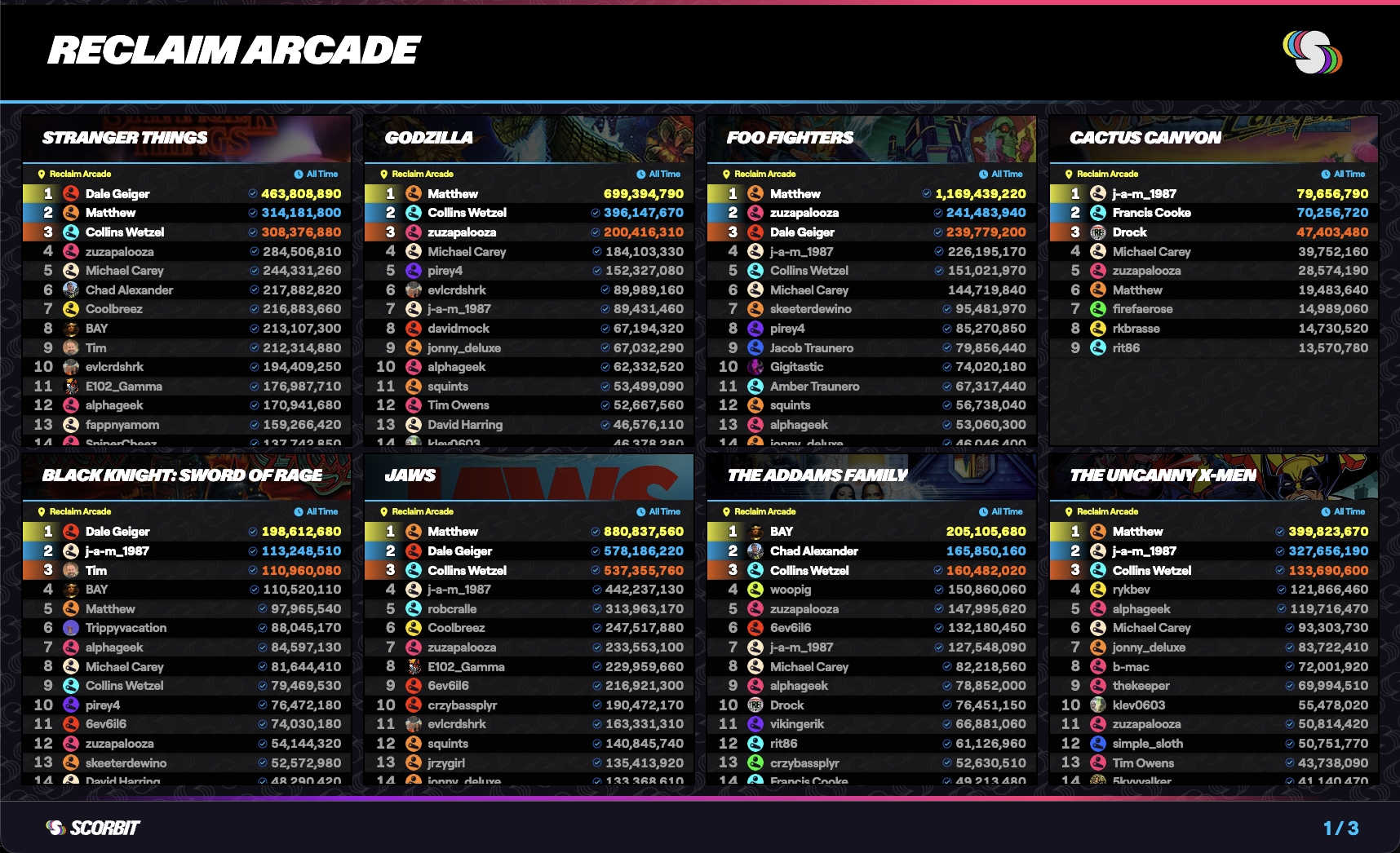
- Comboboards — multiple boards arranged together on one screen.
- Streamboards — transparent score overlays for streaming software such as OBS.
- Competition Boards — tournament standings.
- Promoboards — a promotional image paired with a competition's jackpot and leaders.
- Images — a static image, such as a poster or announcement.
- Web View — an embedded live web page.