Achievements
Achievements are badges you earn by doing things in a game, like scoring a jackpot or finishing a mode. They're earned automatically on Scorbit machines whose games support them, once you've claimed your player slot.
Claim your slot before you play
Only what happens after you claim counts. Tap In before the first ball: if you claim partway through, nothing that slot did earlier counts, and claiming after the game ends saves your score but earns no achievements.
See your achievements
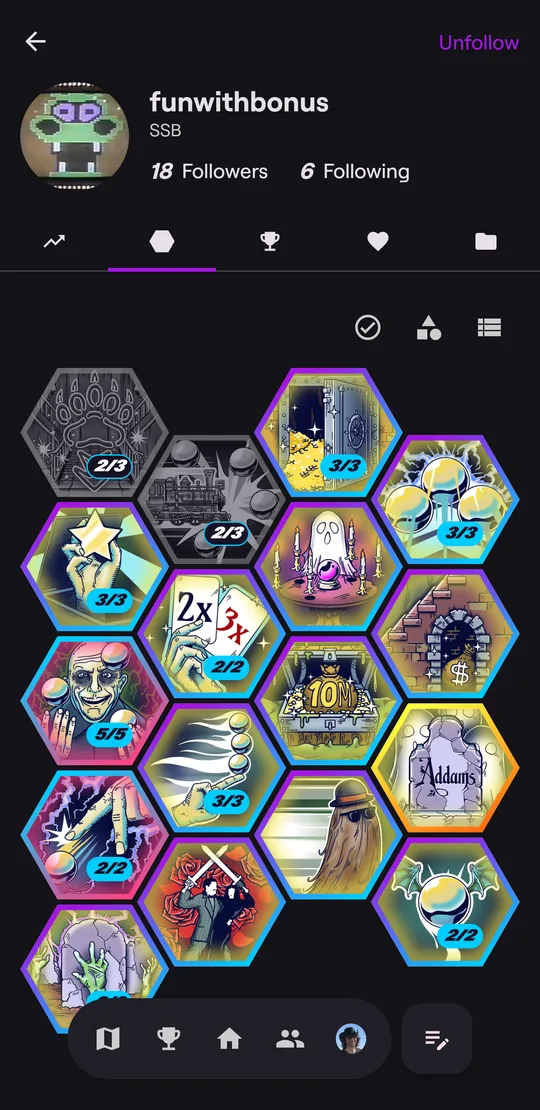
Open Profile and tap the hexagon tab. The first time, a short introduction explains how achievements work.
Each badge is a hexagon. Earned badges are in full color; ones you haven't earned yet are grey.
Some achievements come in groups, such as three tiers of the same goal. A group shows as one hexagon with a count like 2/3: how many of the group you've earned. The count turns cyan when you've earned them all.
Use the three buttons above the badges:
- The check mark cycles through all achievements, only the ones you've earned, and only the ones you haven't.
- The shapes button sorts badges into a section for each game.
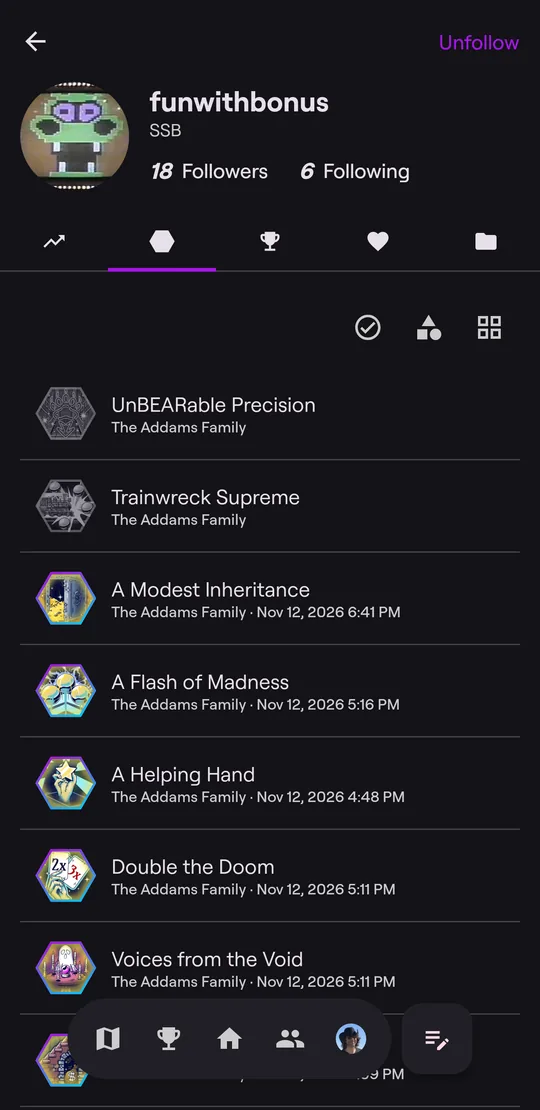
- The layout button switches between the honeycomb and a list. The list shows when each one was earned.
Achievement details
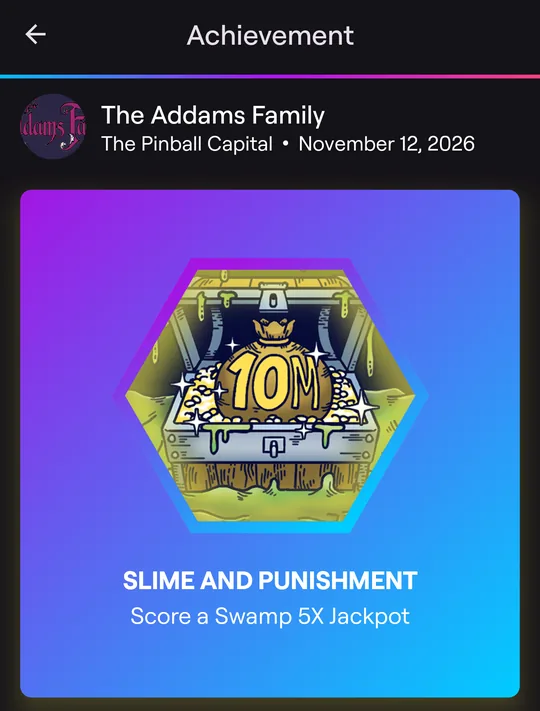
Tap any badge to see its name, what it takes to earn it, the game, and where and when it was earned. The detail page also shows how rare the achievement is: what percentage of players have earned it.
If the achievement is part of a group, the group's other tiers appear underneath.
Achievements for a machine
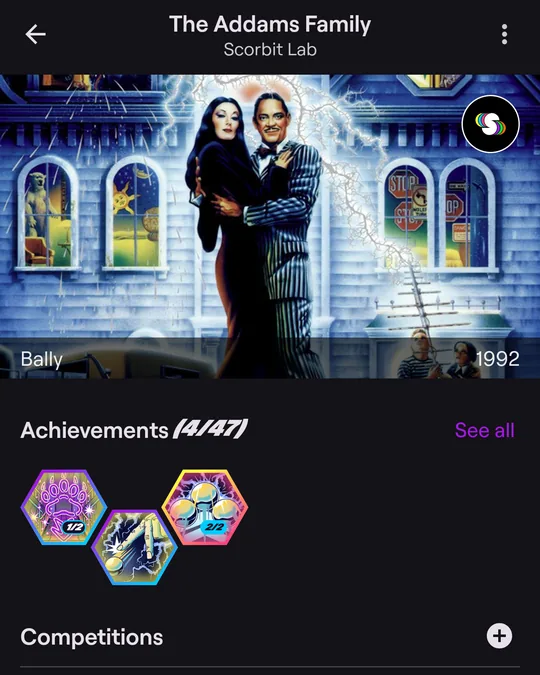
A machine whose game has achievements shows an Achievements section on its page, with your count, such as (4/47), and the ones you've earned on that game. Tap a badge to open it, or See all to see every achievement for the game. There, you can also show the badges grouped by tier.
You can browse anyone's achievements from their profile, too.