Play a Game
On a Scorbit-enabled machine, Scorbit reads the game as you play, through a Scorbitron or the game's own built-in support. All you do is tell Scorbit which player you are.
Example: Tap In and play
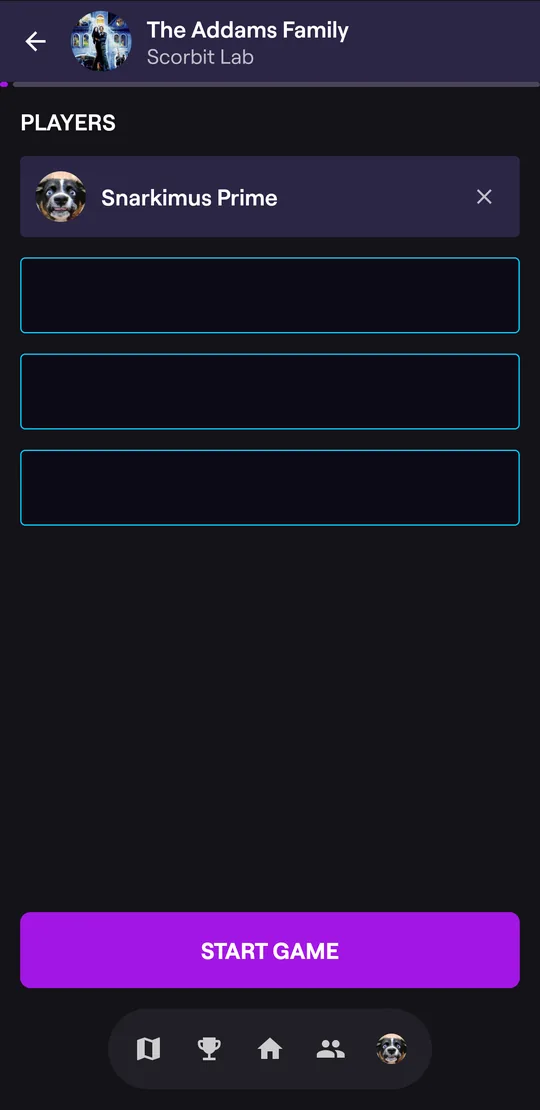
- At the machine, tap Tap to Play at the bottom of the app, then hold the top of your phone against the Scorbit Tap Pad. On a machine without a Tap Pad, open the machine's page and tap PLAY A GAME.
- The game screen opens and adds you to the PLAYERS list. Friends who join appear here too; drag names to change the order.
- Start the game: press Start on the machine as usual, or tap START GAME in the app when the machine offers it. Each player takes the slot that matches their place in the list.
- Play! Your name and live score appear in your slot, with the current ball at the top.
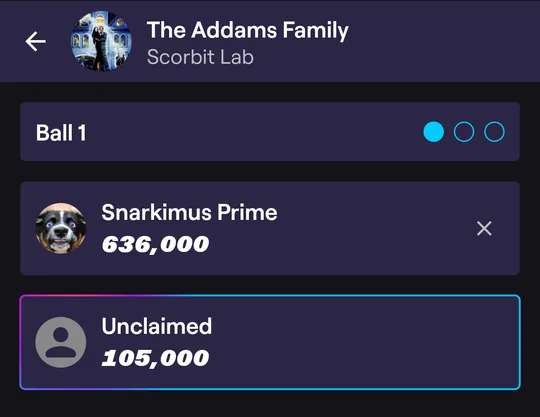
If you Tap In after the game has started, you claim the open slot that's being played.
Example: claim your slot during a game
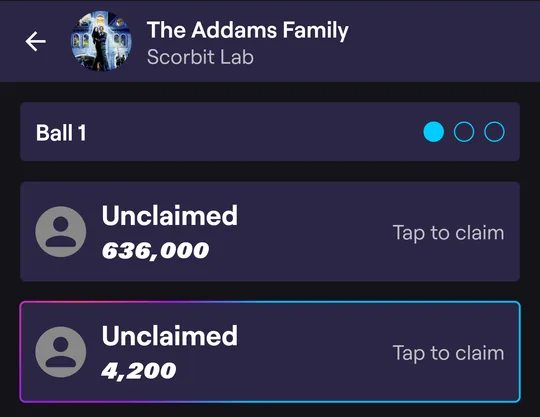
Joined late, or forgot to Tap In? While the game is on, every open slot shows Tap to claim. Tap the one you're playing to put your name on it. You can hold one slot at a time.
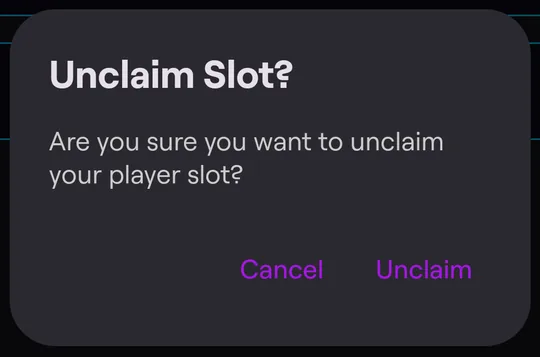
To give a slot back, tap the X on your player card. Before the game starts, the app asks you to confirm:
When the game ends
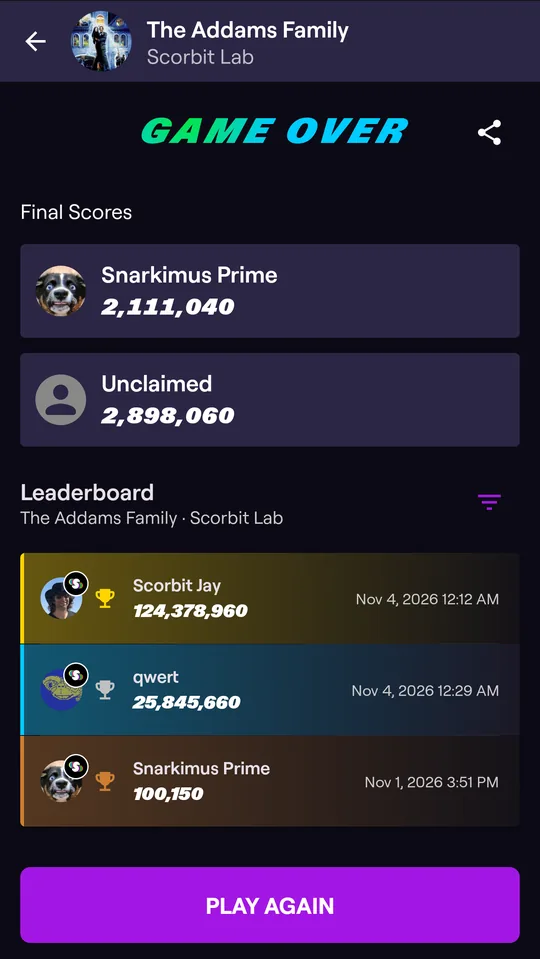
GAME OVER shows everyone's final scores and the machine's leaderboard. If your score ranks, the app tells you where.
- Tap the share icon to share an image of your final score.
- Tap PLAY AGAIN to start another game.
Your score is saved to your profile. Tap it there anytime to see its Score Details.
Paying for credits
If the venue uses Scorbit Payments, the game screen shows your credits. Tap ADD CREDITS to buy more from your wallet before you start. Otherwise, add credits on the machine as usual.
Playing in a competition
If you have an entry for a tournament or match on this machine, it's applied when you Tap In, and a trophy appears next to your name. See Compete.
Next: Record a Score on machines without Scorbit.