Profile and Community
Your profile
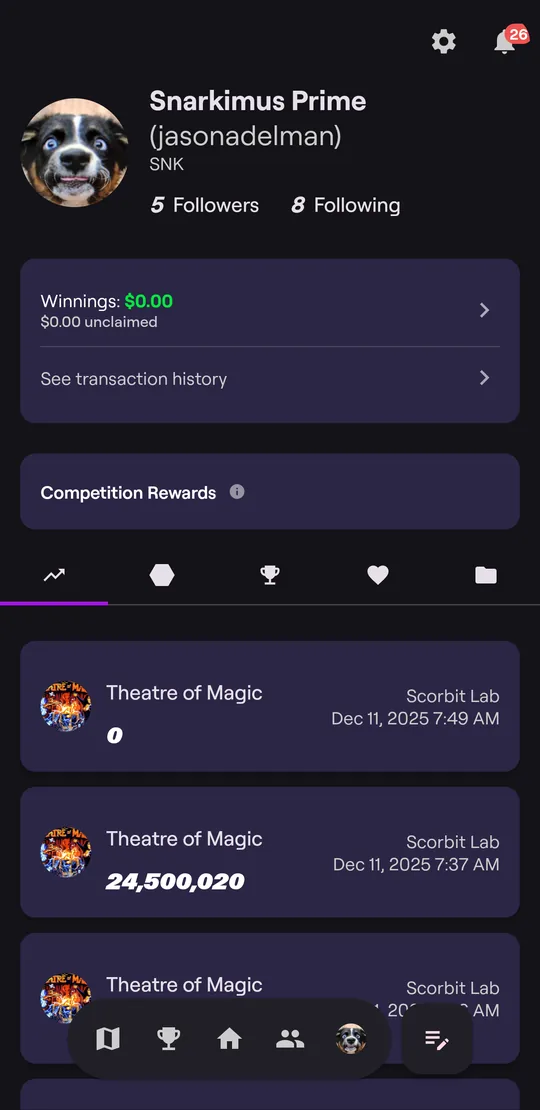
The Profile tab shows your name, followers, and the people you follow. If you've linked a Match Play account, your Matchplay rating appears here too.
Below that are your Winnings and, under the header, five tabs:
| Tab | Shows |
|---|---|
| Scores (chart icon) | Every game you've played, newest first |
| Achievements (hexagon) | Badges you've earned. See Achievements |
| Competitions (trophy) | Your matches and tournaments |
| Favorites (heart) | Venues you've favorited |
| Collections (folder) | Your private venues and the machines in them |
Tap the gear icon for Settings.
Example: look back at a great game
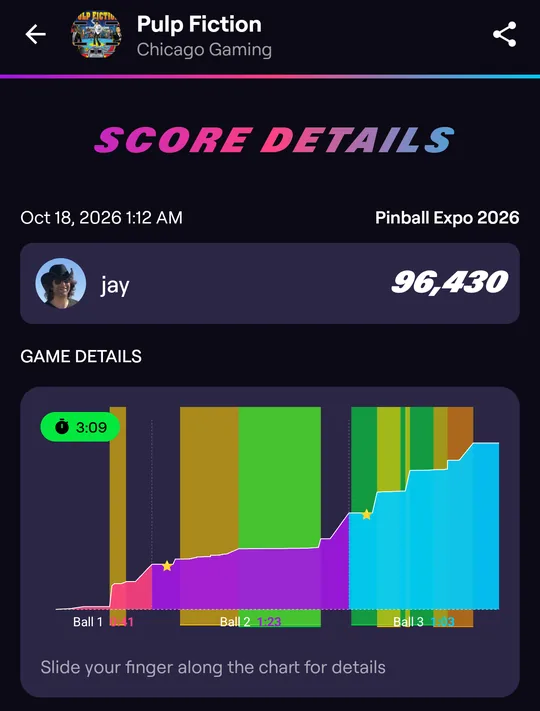
Tap any score on your profile to open Score Details.
The chart shows your score over the whole game, one color per ball, with how long each ball lasted. On many games the colored bands behind the line are the game's modes, and stars mark highlights.
Slide your finger along the chart to see your score at that moment and the mode you were in:
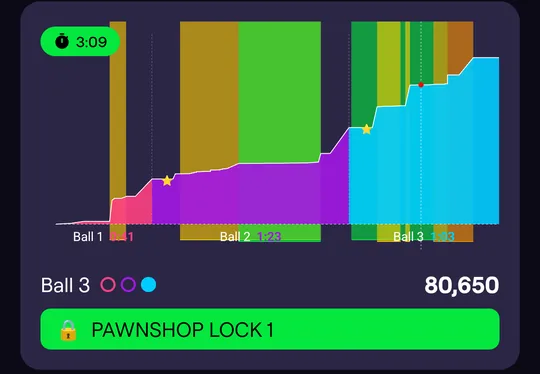
Tap the share icon at the top to share the game.
Follow players
Tap a player's name or picture anywhere in the app (a leaderboard, a game lobby, the Community feed) to open their profile, then tap Follow. Tap Followers or Following on any profile to see the list.
Find someone by name with Search users… on the Community tab, or People in Home search.
Community
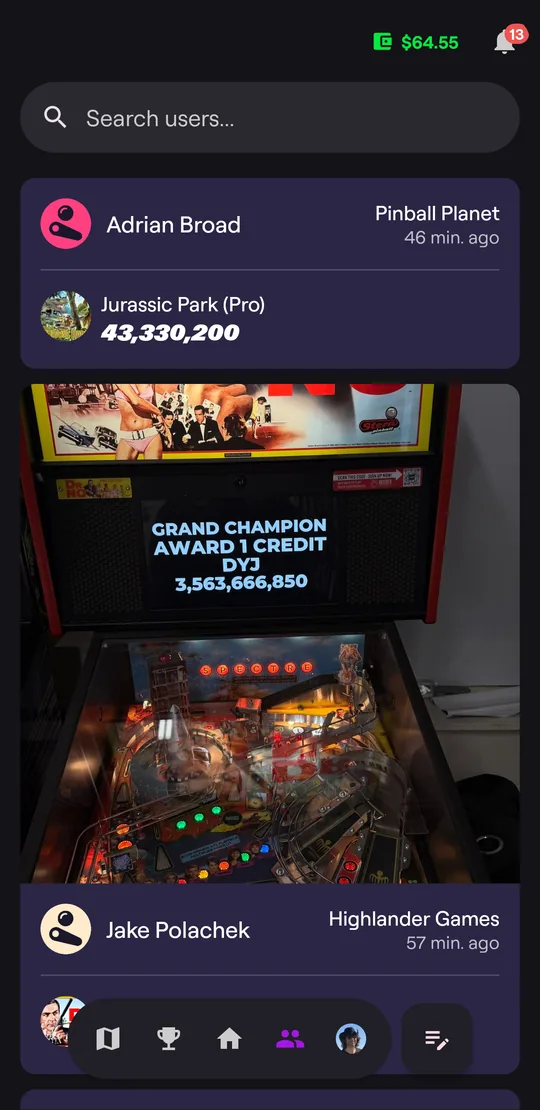
The Community tab is a feed of recent scores from the players you follow: who played, which game, where, and their score, often with a photo.
Notifications
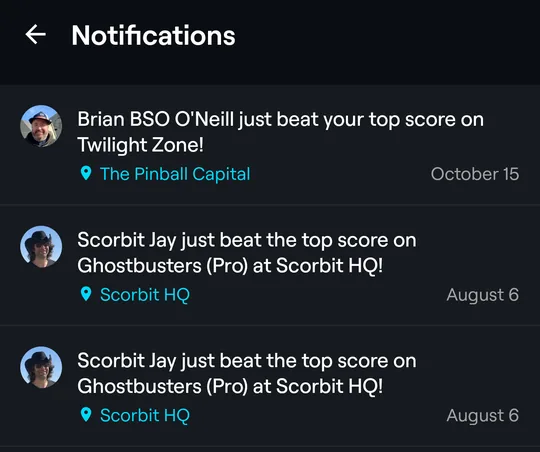
Tap the bell at the top of any tab to see your notifications, such as when someone beats your score or a match you're in starts. Choose which ones you get in Settings.