Get Started
You can browse machines, venues, and leaderboards without an account. To save scores, follow players, or compete, you need to sign in.
Create an account
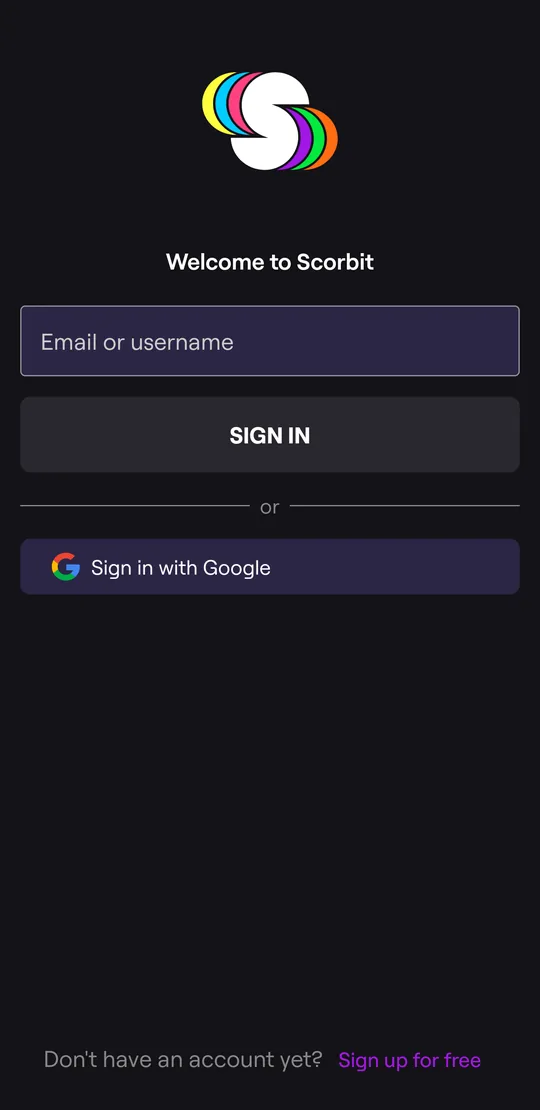
- Open the Profile tab and tap SIGN IN.
- Tap Sign up for free.
- Enter your email, a username, and a password of at least 12 characters.
You can also sign in with Google. On iPhone you can also use Apple, Facebook, or Discord.
Your username is how other players find you. It can use letters, numbers, - and _, up to 30 characters.
Sign in
Enter your email or username, then your password. If you've turned on two-factor authentication, the app texts you a code to enter next.
Forgot your password? Enter your email or username, tap SIGN IN, then tap Forgot your password? on the password screen. We'll email you a reset link.
Turn on two-factor authentication
Two-factor authentication (2FA) protects your account with a code sent to your phone. You need it to buy competition entries or create a match.
- Open Profile, then the gear icon for Settings.
- Tap Enable Two-Factor Authentication and follow the steps to verify your phone number.
Allow location and notifications
When the app asks, allow:
- Location, so the app can show venues and competitions near you and offer Tap to Play when you're at a Scorbit machine.
- Notifications, so you hear when someone beats your score, invites you to a match, or a competition starts.
You can change either one later in your phone's settings. See Settings and Your Account to choose which notifications you get.
Next: Find a Machine